Website
A link worth opening.
Scan the world around you. Create something useful. Find it again when you need it.
Read QR codes and barcodes in an instant, even when your phone is offline. Just point the camera and let the app do the reading.
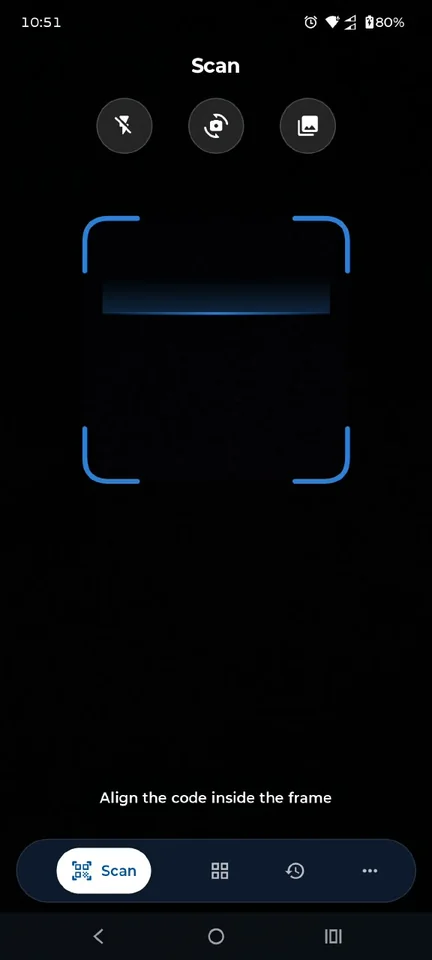
The names above group supported format families. Individual variants are included in the app’s total.
Create 10 kinds of QR codes. Add the details, choose a frame, and share an image or save it to your gallery.
A link worth opening.
A note, a message, an idea.
Connection details in a code.
Make introductions easy.
A number, ready to call.
A pre-written message.
Start the conversation.
A place to meet or find.
A link to your payment page.
Help people find you.
Make profile codes for 13 popular social and messaging platforms, each with its logo. Give people a quick way to find and follow you.
A country picker and country-specific phone number length checks help catch simple input errors before you share a code.
The right action is one tap away. Open a link, connect to a network, or take a single useful detail with you.
Scanning works offline. Actions that open websites, send messages, or use other services may need connectivity and the relevant app.
Go straight to the linked page.
Connect using scanned network details.
Keep the details in your address book.
Use a scanned phone number or SMS.
Open an email draft with the details.
Open a scanned location on your map.
A password, a phone number, or a link.
Pass it on using your phone’s share menu.
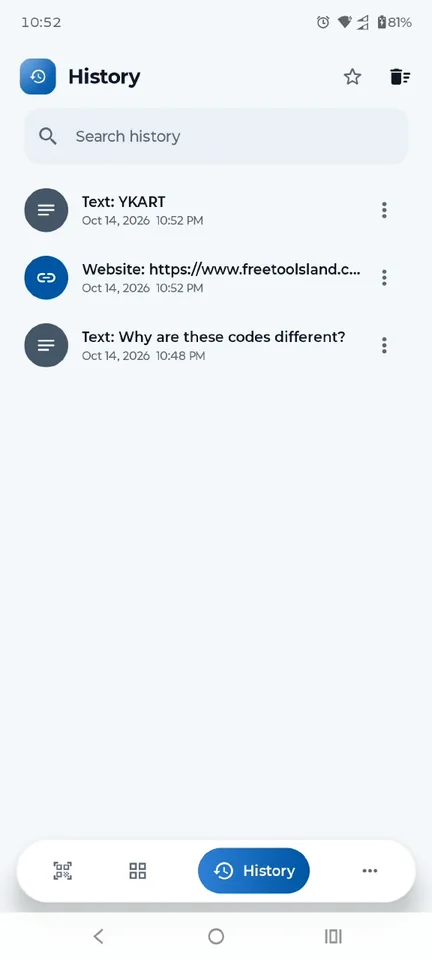
When history is on, scanned and created codes stay on your phone. Find the things you need without starting from scratch.
Your history is local. Keep exported files safe, especially when they contain personal details or Wi-Fi credentials.
A modern interface that fits the way you use your phone.
Choose Light, Dark, or System. The app adapts to your preferred appearance.
Turn the scan beep and vibration on or off. Manage notifications in your privacy settings.
Comfortable layouts for small phones, large phones, and tablets. Useful controls, clearly within reach.
Offline scanning. Personal QR codes. Everything in one place.